Maintenance is risk management
A neglected website may continue to look normal while dependencies age, backups fail, forms stop delivering or information becomes inaccurate.

A launch is the beginning of website ownership, not the end of the project. Maintenance protects security, performance, content accuracy, accessibility and business continuity as browsers, devices, dependencies and customer expectations change.
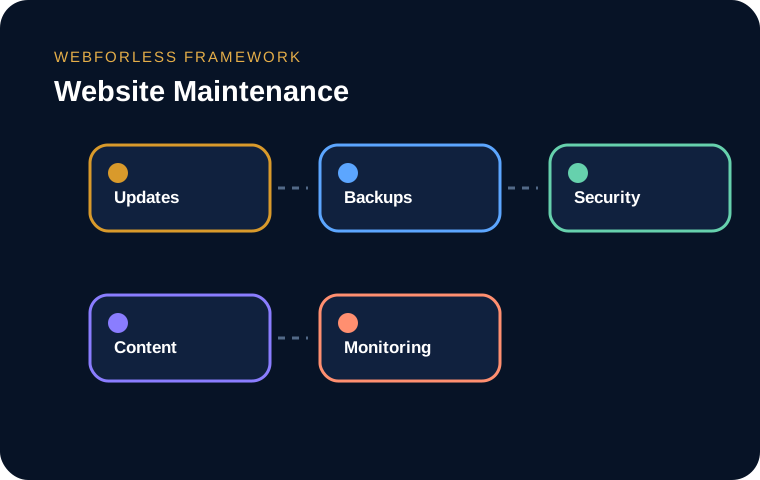
A launch is the beginning of website ownership, not the end of the project. Maintenance protects security, performance, content accuracy, accessibility and business continuity as browsers, devices, dependencies and customer expectations change.
A neglected website may continue to look normal while dependencies age, backups fail, forms stop delivering or information becomes inaccurate.
Software updates can fix vulnerabilities and compatibility issues, but blind updating can also break templates or integrations.
A backup plan specifies what is copied, how often, where copies are stored, how long they are retained and who can restore them.
Maintenance includes vulnerability review, access control, certificate renewal, log monitoring, malware detection and removal of unused accounts or plugins.
Hours, prices, team details, policies and links change.
New analytics tags, chat widgets, fonts and media gradually increase page weight.
A neglected website may continue to look normal while dependencies age, backups fail, forms stop delivering or information becomes inaccurate. Maintenance creates a routine for finding small problems before they become expensive incidents.
The purpose is not to add process for its own sake. The purpose is to make decisions visible, reduce avoidable risk and build a result that remains understandable after launch. Teams should document assumptions, assign ownership and verify the experience using real tasks rather than relying only on a tool score.
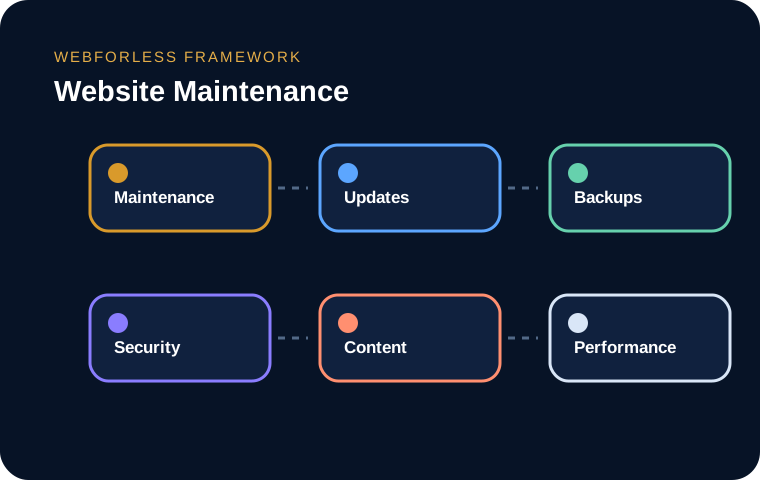
Software updates can fix vulnerabilities and compatibility issues, but blind updating can also break templates or integrations. A controlled process reviews changes, backs up the site, tests in staging and verifies the production release.
The purpose is not to add process for its own sake. The purpose is to make decisions visible, reduce avoidable risk and build a result that remains understandable after launch. Teams should document assumptions, assign ownership and verify the experience using real tasks rather than relying only on a tool score.
A backup plan specifies what is copied, how often, where copies are stored, how long they are retained and who can restore them. At least one copy should be isolated from the production environment. Restoration tests are essential.
The purpose is not to add process for its own sake. The purpose is to make decisions visible, reduce avoidable risk and build a result that remains understandable after launch. Teams should document assumptions, assign ownership and verify the experience using real tasks rather than relying only on a tool score.
Maintenance includes vulnerability review, access control, certificate renewal, log monitoring, malware detection and removal of unused accounts or plugins. Security should reduce exposure without creating unnecessary friction for legitimate users.
The purpose is not to add process for its own sake. The purpose is to make decisions visible, reduce avoidable risk and build a result that remains understandable after launch. Teams should document assumptions, assign ownership and verify the experience using real tasks rather than relying only on a tool score.
Hours, prices, team details, policies and links change. New content may introduce inaccessible headings, images, forms or colour combinations. Maintenance should review accuracy and usability, not only software versions.
The purpose is not to add process for its own sake. The purpose is to make decisions visible, reduce avoidable risk and build a result that remains understandable after launch. Teams should document assumptions, assign ownership and verify the experience using real tasks rather than relying only on a tool score.
New analytics tags, chat widgets, fonts and media gradually increase page weight. Real-user monitoring, page-weight budgets and periodic audits help prevent slow decline.
The purpose is not to add process for its own sake. The purpose is to make decisions visible, reduce avoidable risk and build a result that remains understandable after launch. Teams should document assumptions, assign ownership and verify the experience using real tasks rather than relying only on a tool score.
Daily automation can monitor uptime and errors. Monthly work can review updates, forms and security. Quarterly reviews can assess content, accessibility and performance. Annual planning can revisit architecture, hosting and disaster recovery.
The purpose is not to add process for its own sake. The purpose is to make decisions visible, reduce avoidable risk and build a result that remains understandable after launch. Teams should document assumptions, assign ownership and verify the experience using real tasks rather than relying only on a tool score.
Use these prompts during planning, review and launch. The downloadable guide expands them into worksheets your team can complete.
The tools and terminology keep changing, but the strongest projects still begin with a clear purpose, understandable ownership and respect for the person using the website. A fashionable technique cannot rescue weak information architecture, fragile implementation or unclear responsibility.
Use the printable workbook to document decisions, risks, responsibilities and verification steps before and after launch.
It is a structured approach that aligns technology, content and business requirements rather than treating one isolated feature as the whole solution.
Start with evidence and priorities, implement the smallest coherent improvement, verify the result and keep an ownership plan for future change.
It can influence visibility, usability or reliability, but results depend on implementation quality, competition, user needs and the wider website system.
It is a structured approach that aligns technology, content and business requirements rather than treating one isolated feature as the whole solution.
Start with evidence and priorities, implement the smallest coherent improvement, verify the result and keep an ownership plan for future change.
The decision should follow risk, value and operational capacity rather than a universal rule. Test critical journeys and preserve a rollback path.
Start with evidence and priorities, implement the smallest coherent improvement, verify the result and keep an ownership plan for future change.
It is a structured approach that aligns technology, content and business requirements rather than treating one isolated feature as the whole solution.
Connect this topic with the wider website system.
Continue learningConnect this topic with the wider website system.
Continue learningConnect this topic with the wider website system.
Continue learningConnect this topic with the wider website system.
Continue learningConnect this topic with the wider website system.
Continue learningConnect this topic with the wider website system.
Tell us what the website or system needs to accomplish, what is currently getting in the way and which risks matter most.